

 or
or  lines to the right of the URL bar at the top of your browser
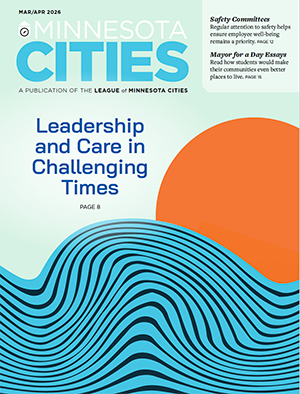
Mar-Apr 2026
Features
Leadership and Care in Challenging Times
Managing Public Meetings When Tensions Run High
City Safety Committees: Preventing Injuries, Improving Workplace Practices
2025 Mayor for a Day Essay Contest Winners
Investing in Buildings: First Cost vs. Long-Term Cost Departments
Departments
Director’s Message
Grounded in Our Values
Bits & Briefs
2026 LMC City of Excellence Awards, fire departments test new PFAS-free foam, and more
City Spotlight
Roseville rolls out new electric fire engine; St. Cloud positions itself as a Film Ready Community
Focus on Small Cities
How Small Cities Can Handle Big Data Requests
Ideas in Action
From Safe Routes to Sustainability: How St. James Turned One Project Into Communitywide Progress
Legal Ease
Letter of the Law
Keeping Zoning Effective Through Ongoing Maintenance
From the Bench
Court Upholds Test-Refusal Conviction Based on Scope of Search Warrant
Up for Discussion
Ask LMC
What Should Our City Do With Old Playground Equipment?
Message Matters
Communicating About Difficult or Controversial Issues
Agency Voices
Water Law Changes Affect Data Centers
Read the digital edition of the March-April issue